
Merchant Portal Connection
Click on the URL that allows you to access the web application: Merchant Portal
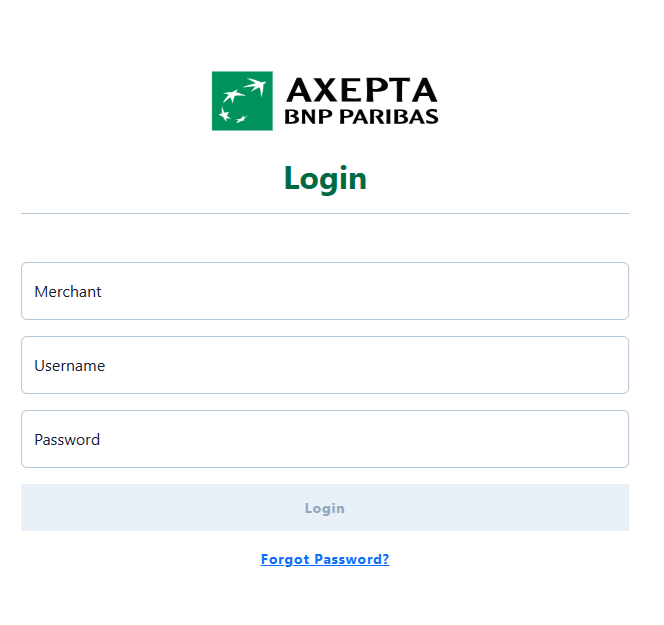
Enter your login credentials:
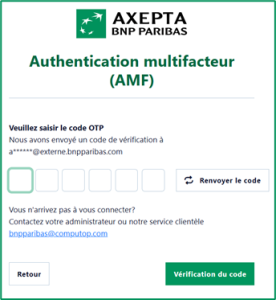
- Enter your verification code (OTP) received by email
| Info | ||
|---|---|---|
| ||
MFA Improvements:
|
Password reset
In case you forgot your password you can click on the links "Forgot your password?".
By doing so a new form will be shown:
Enter your MerchantId and Username
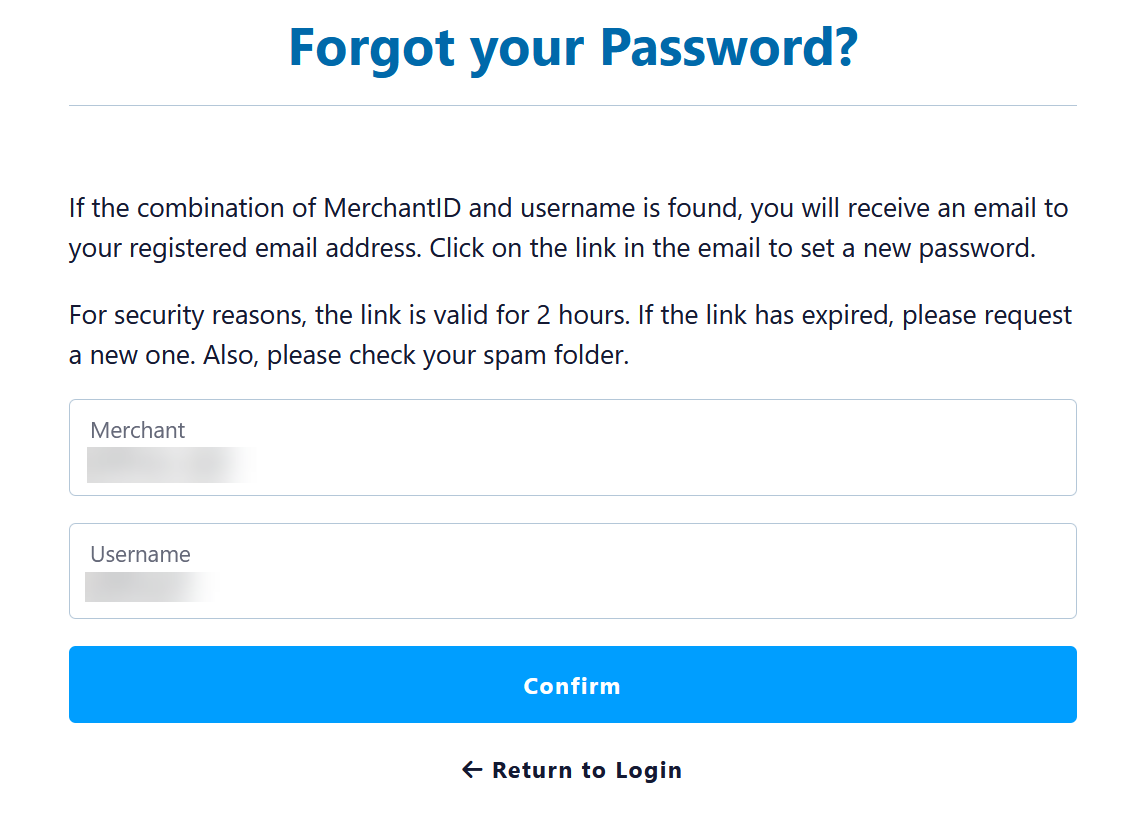
Here you will have to enter your MerchantId and your Username - both are mandatory.
Email has been sent
If your combination of MerchantId and Username have been found an email will receive an email for confirmation:
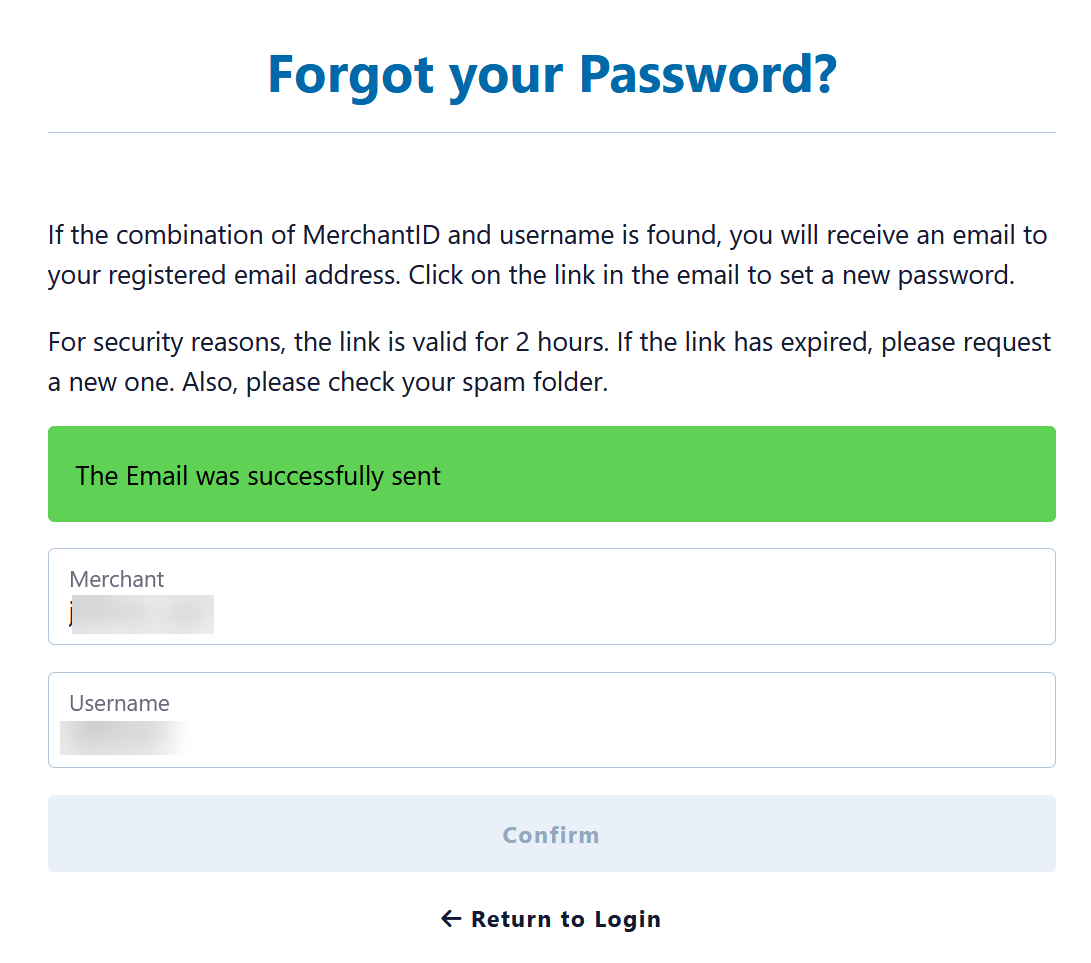
Email with link to reset password

Set new password
After clicking on the link to "reset password" a new form will be displayed.
Please enter the new password twice - to ensure you have no typo in any password.
Then click on "Save" and your new password is active.
| Linchpin Teaser | ||||||||
|---|---|---|---|---|---|---|---|---|
| ||||||||
On this page
| Table of Contents | ||
|---|---|---|
|