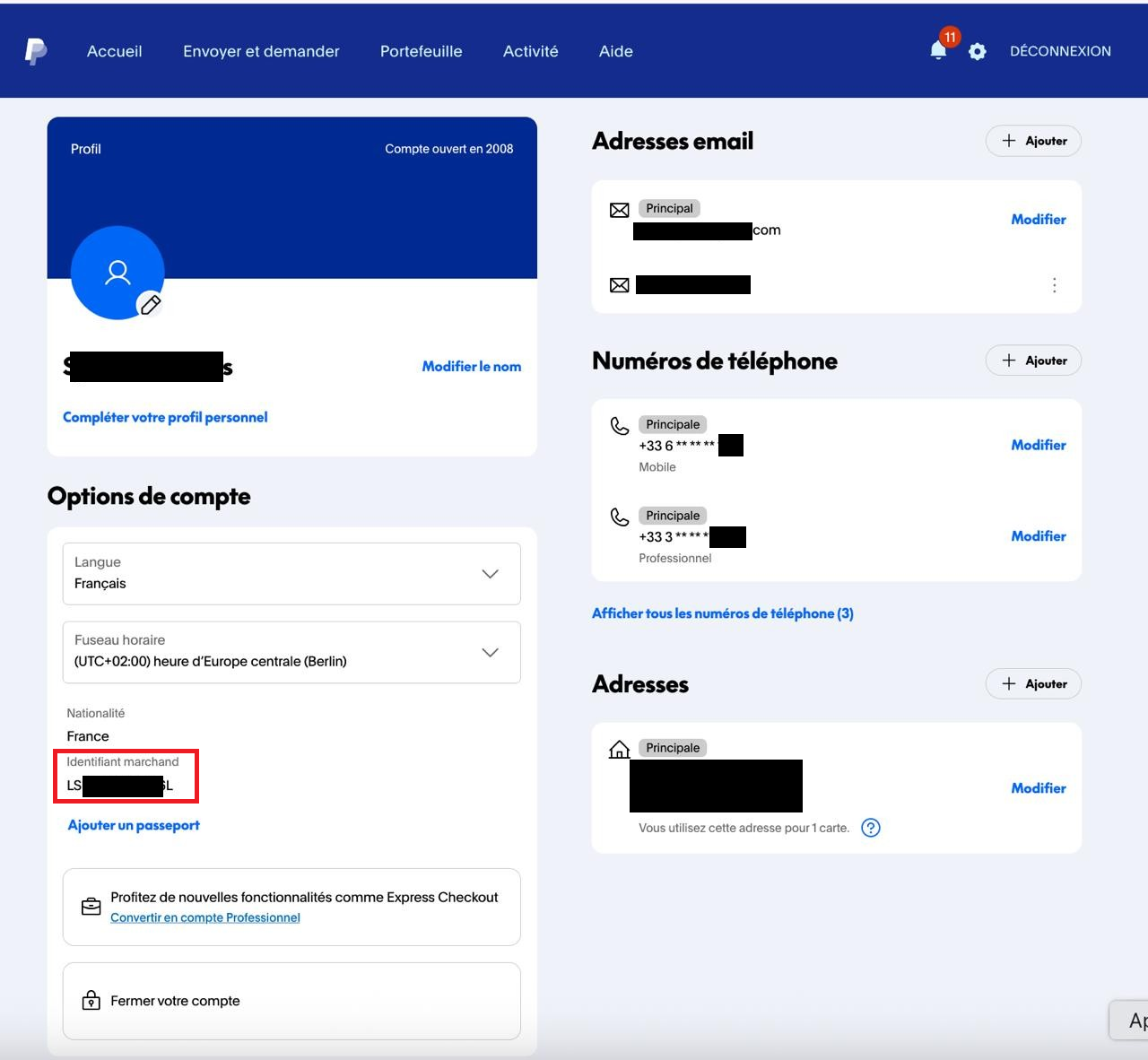
<br/>
<script type="text/javascript">
    function sh() {
        alert('Failed to acquire paypal registration link, please contact customer support or try again later.')
    }

    function getPPRegUrl(merchId,dataKey,dataLen) {
        const request = new XMLHttpRequest();
        request.open('GET', 'https://www.computop-paygate.com/ExternalServices/paypalorders.aspx?MerchantID='+merchId+'&Len='+dataLen+'&Data='+dataKey, false);
        request.send(null);
        if (request.status === 200) {
            console.log(request.responseText);
            try {
                return request.responseText.split('&').filter(p=>p.startsWith('paypalurl')).map(pv=>pv.substring(pv.indexOf('=')+1))[0]
            } catch (ex) {
                console.log("Unable to extract PP Url");
                sh()
            }
        } else {
            sh()
        }
        return ""
    }

     (function(d, s, id) {
      var js, ref = d.getElementsByTagName(s)[0];
      if (!d.getElementById(id)) {
        js = d.createElement(s);
        js.id = id;
        js.async = true;
        js.src = "https://www.paypal.com/webapps/merchantboarding/js/lib/lightbox/partner.js";
        ref.parentNode.insertBefore(js, ref);
      }

    }(document, "script", "paypal-js"));

</script>
<div dir="ltr" style="text-align: center;" trbidi="on">
  <a id="paypal-reg-button-prod" data-paypal-button="true" href="<Action-URL>&displayMode=minibrowser" target="PPFrame"><h3>Sign up for PayPal Production</h3></a>
  <script type="text/javascript">

    function setUrlProd(e) {
        const newUrl = getPPRegUrl('BNPP_PayPal_Onboarding_Prod','372A023346EE99D1B356C84A5C30103BFA009B4CABD722887774741F5E3FEA2DBAB004F3C4F523EC549FDB4564547BCEA8F5EB2EB5060428B064C5C90F987295F102EEC01BB9A1D264B643140D035FA12FC1006BB3D7C15BAE719B9E09D33CFA1F7D7725A2B6F51D78098AAD8FEB8D08','106')
        if (newUrl) {
            const elm = e.currentTarget
            if (elm) {
                elm.setAttribute("href", "<Action-URL>&displayMode=minibrowser".replace("<Action-URL>", newUrl))
                return true
            }
        }
        if (!e) e = window.event;
        e.cancelBubble = true;
        if (e.stopPropagation) e.stopPropagation();
        return false
    }

    const ppLinkProd = document.getElementById("paypal-reg-button-prod")
    if (typeof window.addEventListener != "undefined") {
        ppLinkProd.addEventListener("click",setUrlProd);
    } else {
        ppLinkProd.attachEvent("onclick",setUrlProd);
    }

  </script>
</div> |