The “Mandates” tab in the back-office allows users to search, view, and manage SEPA mandates linked to direct debit transactions.
A SEPA mandate authorizes the creditor to initiate one or more direct debits from the debtor’s account.
This section provides a global overview of all mandates recorded on the platform, with advanced filtering options.
It is particularly useful for:
- Identifying active, expired, or revoked mandates
- Retrieving a mandate by its reference number or debtor name
- Checking mandate parameters (type, sequence, status, etc.) before processing a debit
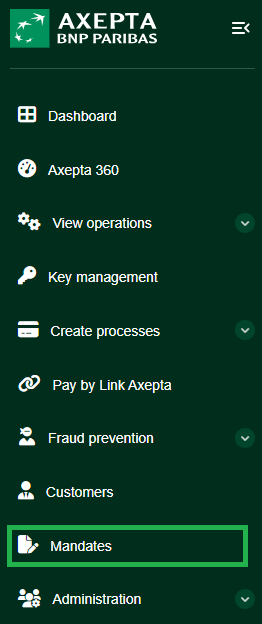
Search Criteria Overview
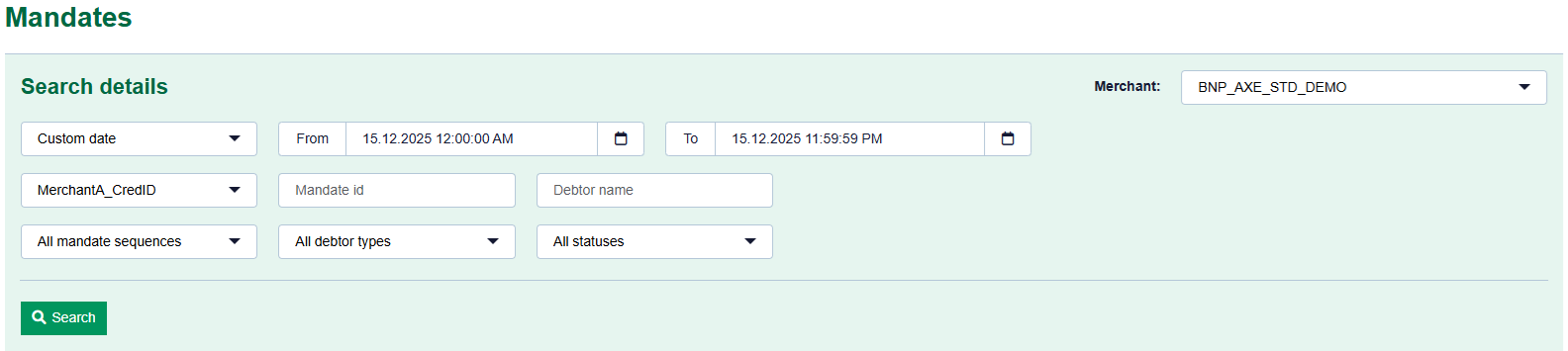
Search Details
The search interface is displayed in a light green box containing multiple customizable fields :
Field | Description |
Custom Date | Filters mandates created or updated within a specific period. |
Creditor Entity | Selects the creditor entity (if multiple are available). |
Mandate Reference Number | Searches directly using the unique SEPA mandate reference. |
Debtor Name | Filters by the account holder’s name. |
Mandate Sequence | Filters by sequence type: FIRST, RECURRENT, FINAL, or ONE-OFF. |
Debtor Type | Selects the type of debtor (individual, company, etc.). |
Status | Filters by mandate status: active, suspended, revoked, expired, etc. |
After entering the criteria, click “Search” to launch the query.
The results are displayed in a paginated table listing all matching mandates.
Search Results
The displayed results typically include the following columns:
- Mandate reference number
- Debtor name
- IBAN (partially masked for security reasons)
- Creditor entity
- Mandate sequence
- Status
- Creation and/or last update date
Each row can be selected to access detailed information about the mandate, including:
- Debtor’s banking information
- Authorization details
- Transaction history linked to the mandate
Export & Management
- Results can be exported in CSV or Excel format.
- With the appropriate permissions, users can revoke or disable a mandate directly from its detail view.