The "Merchant Data"section of the back-office displays the administrative and technical information linked to the merchant account. This data is essential for merchant identification, payment channel configuration, and the management of both test and production environments.
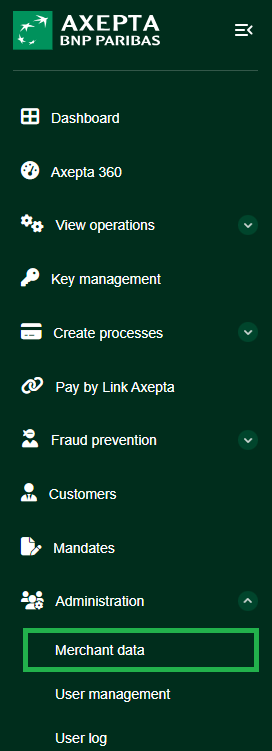
This page is typically accessible via the "Administration" menu or directly through the merchant selection dropdown.
Overview of Displayed Information
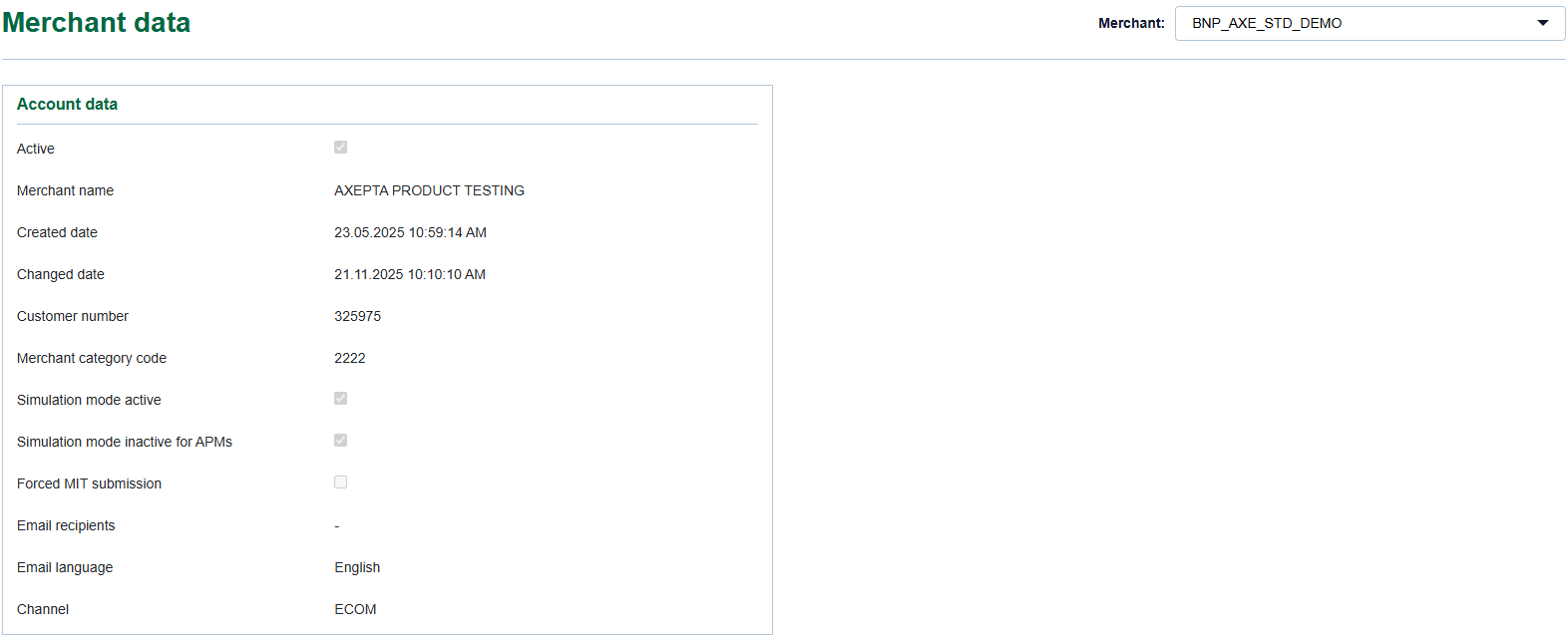
Merchant Account Details
The “Account Data” panel includes the following fields :
Field | Description |
Active | Indicates whether the merchant account is currently active or disabled. |
Merchant Name | The merchant’s registered name on the platform (e.g., AXEPTA PRODUCT TESTING). |
Creation Date | The date and time the merchant account was created in the system. |
Last Modified Date | The date and time the account information was last updated. |
Customer Number | Unique identifier assigned to the merchant. |
Merchant Category Code (MCC) | Classification code identifying the merchant’s business activity (e.g., 2222). |
Active Simulation Mode | Indicates whether the account is set to simulation/test mode. |
Inactive Simulation for APMs | Allows disabling simulation mode for alternative payment methods. |
Force Send from MIT | Enables transaction sending from Merchant Initiated Transaction (MIT) mode. |
Email Recipients | List of email addresses receiving notifications related to transactions. |
Email Language | Language used for automatic notification emails (e.g., English, French, etc.). |
Channel | Integration channel used by the merchant (e.g., ECOM, MOTO, etc.). |
Associated Features
- Merchant Selector: allows switching between merchants in multi-merchant environments.
- Read-Only Mode: the data displayed cannot be directly edited; only administrative users can modify it.