
Merchant Portal Connection
Click on the URL that allows you to access the web application: Merchant Portal
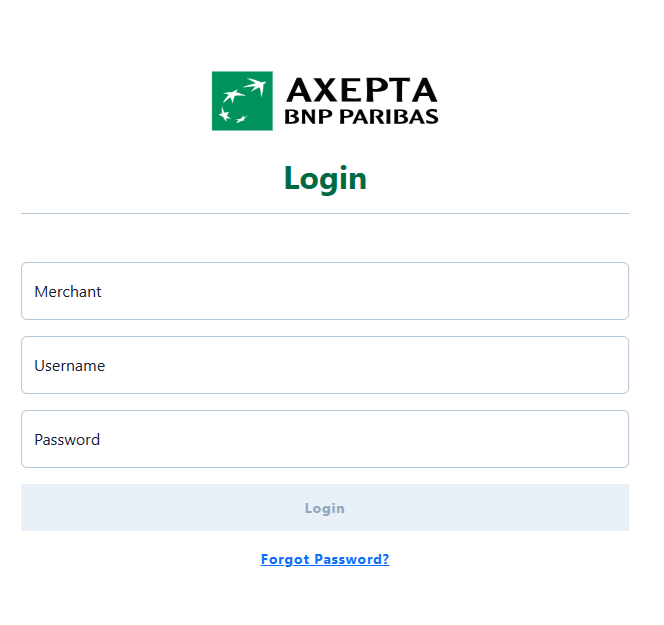
Enter your login credentials:
- Enter your verification code (OTP) received by email
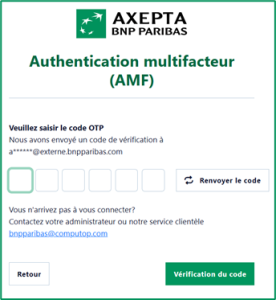
Focus on MFA
MFA Improvements:
Only administrators with the "User Management" right can perform resets for other users
Administrators will have the ability to select the preferred authentication method for each user
Disabling multi-factor authentication will not be allowed under any circumstances
- Special cases must be clarified with the company first
These updates will apply to both Analytics and the Merchant Portal
Once a reset is requested, the user will receive a confirmation email
This email will include a notice informing them to contact their administrator or support if they did not request the reset
Password reset
In case you forgot your password you can click on the links "Forgot your password?".
By doing so a new form will be shown:
Enter your MerchantId and Username
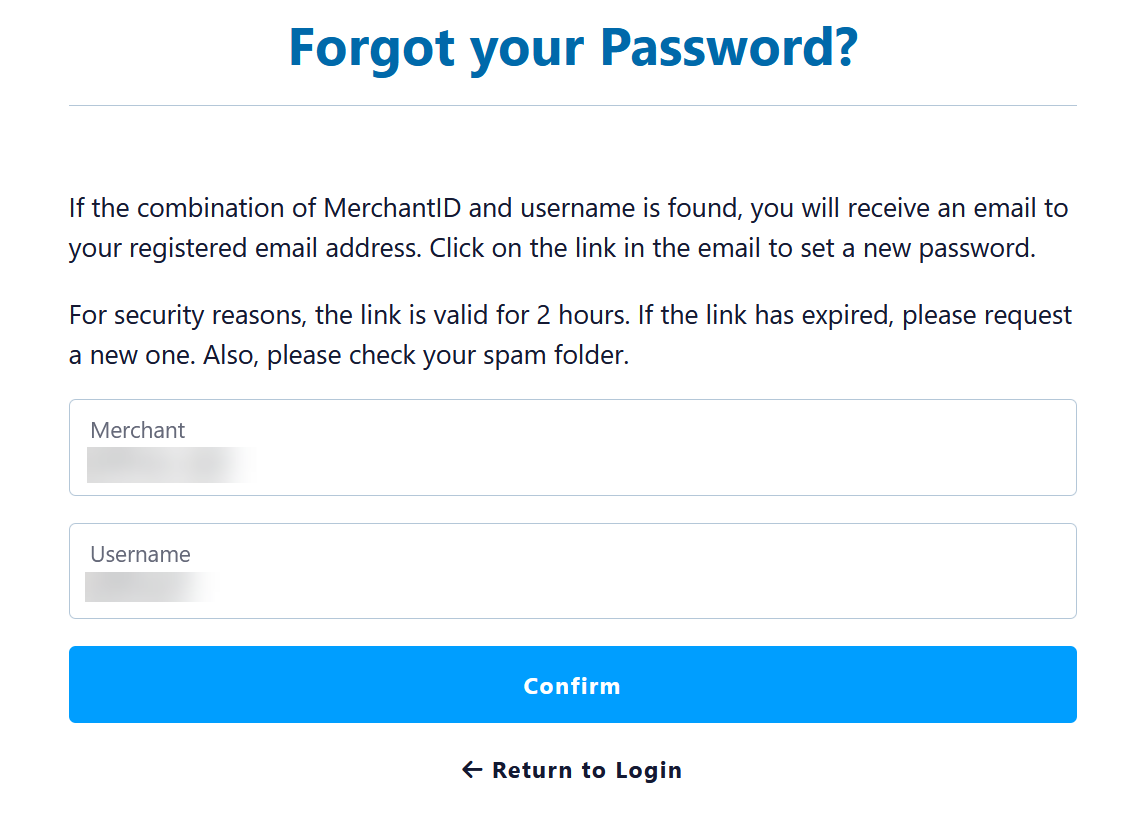
Here you will have to enter your MerchantId and your Username - both are mandatory.
Email has been sent
If your combination of MerchantId and Username have been found an email will receive an email for confirmation:
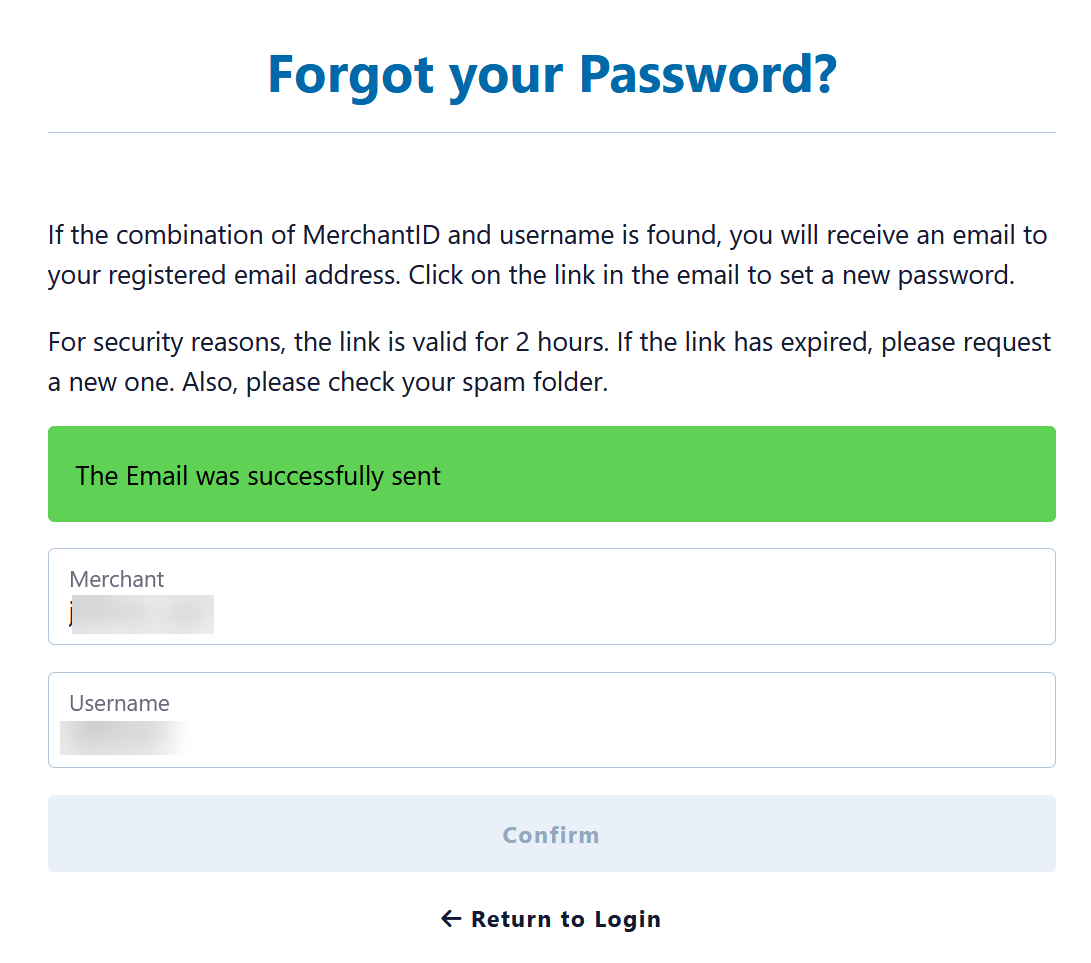
Email with link to reset password

Set new password
After clicking on the link to "reset password" a new form will be displayed.
Please enter the new password twice - to ensure you have no typo in any password.
Then click on "Save" and your new password is active.